What is Camera Tracking in VFX?
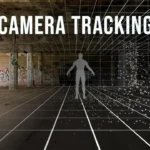
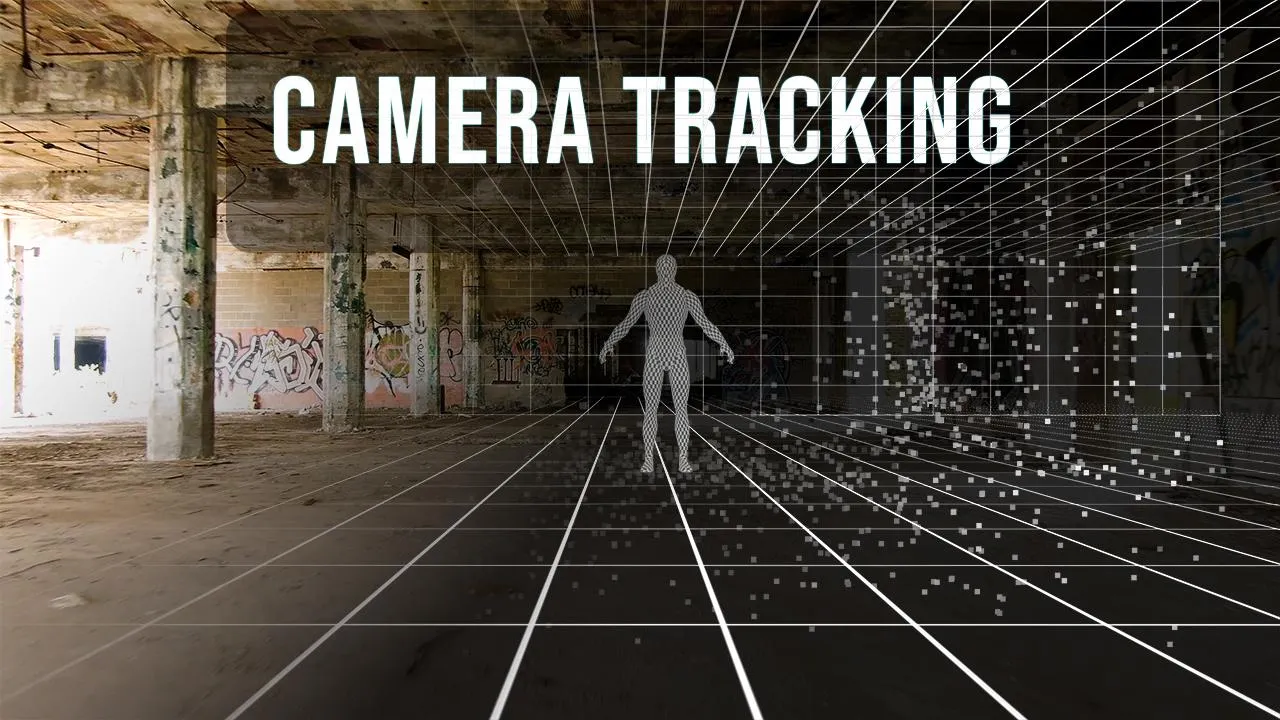
Camera tracking (or matchmoving) is the process of analyzing footage and recreating the
exact movement of the real camera in 3D space. It allows CG elements to move perfectly
with your footage.
Why Camera Tracking is Important
- Ensures CG sticks to the scene
- Maintains correct perspective
- Makes shots believable
Types of Tracking in Nuke
- 2D Tracking
Tracks movement in X and Y. Used for simple tasks like screen replacement. - 3D Camera Tracking
Reconstructs camera movement in 3D space and creates a point cloud. - Planar Tracking
Tracks flat surfaces like walls or screens.
Step-by-Step Workflow
- Import Footage
Use Read node. Choose high contrast footage. - Add CameraTracker Node
Connect footage and detect features. - Analyze Shot
Track feature points. - Solve Camera
Calculate camera movement. - Clean Tracking Points
Remove bad points. - Create Scene
Generate camera and 3D elements. - Add CG Elements
Place objects and match scene.
Common Mistakes
- Low-quality footage
- Too much motion blur
- Ignoring lens distortion
- Not cleaning bad points
- Expecting perfect results instantly
Pro Tips
- Use tracking markers
- Avoid reflective surfaces
- Check solve error
- Start simple
Where It’s Used
- Set extensions
- CG integration
- Virtual production
- Screen replacement
Final Thoughts
Camera tracking helps bring realism to VFX shots by matching real-world camera
movement. Mastering it allows you to create believable composites.